Try the Hitech Billsoft Software today and grow your business
Join Millions of Business Owners already saving time and
money with Hitech Billsoft.
Fill in your details, preview your quotation, and download as PDF instantly. No sign-up required.
| Amount | ₹0.00 |
Online quotation maker
This free quotation maker lets you build polished, professional quotations without any software installation or account signup. Fill in your business details, add your client information, list your products or services with rates, and download a ready-to-send PDF quotation instantly.
A well-structured quotation does more than list prices. It presents your business professionally, builds trust with potential clients, and gives them a clear picture of what they are paying for — helping you win more work before the job even starts.
Generate clean, branded quotations with your logo, business details, itemised pricing, GST/tax, and payment terms — all in one document.
Skip spreadsheets and word processors. Fill in the form, set your rates, and have a finished PDF quotation ready to share in under two minutes.
Show discounts, validity dates, and clear totals so clients can make decisions quickly. A fast, professional quotation often makes the difference between winning and losing a job.
Fill in your business name, GSTIN, address, and contact information in the Billed By section, then add your client's details in the Billed To section.
Enter each item with its name, description, unit, quantity, and rate. Totals calculate automatically as you type.
Apply discounts or additional charges, add your terms and conditions, include bank payment details, and set a validity date for the quotation.
Click Save & Continue, enter your contact details, and download a polished quotation PDF ready to send to your client.
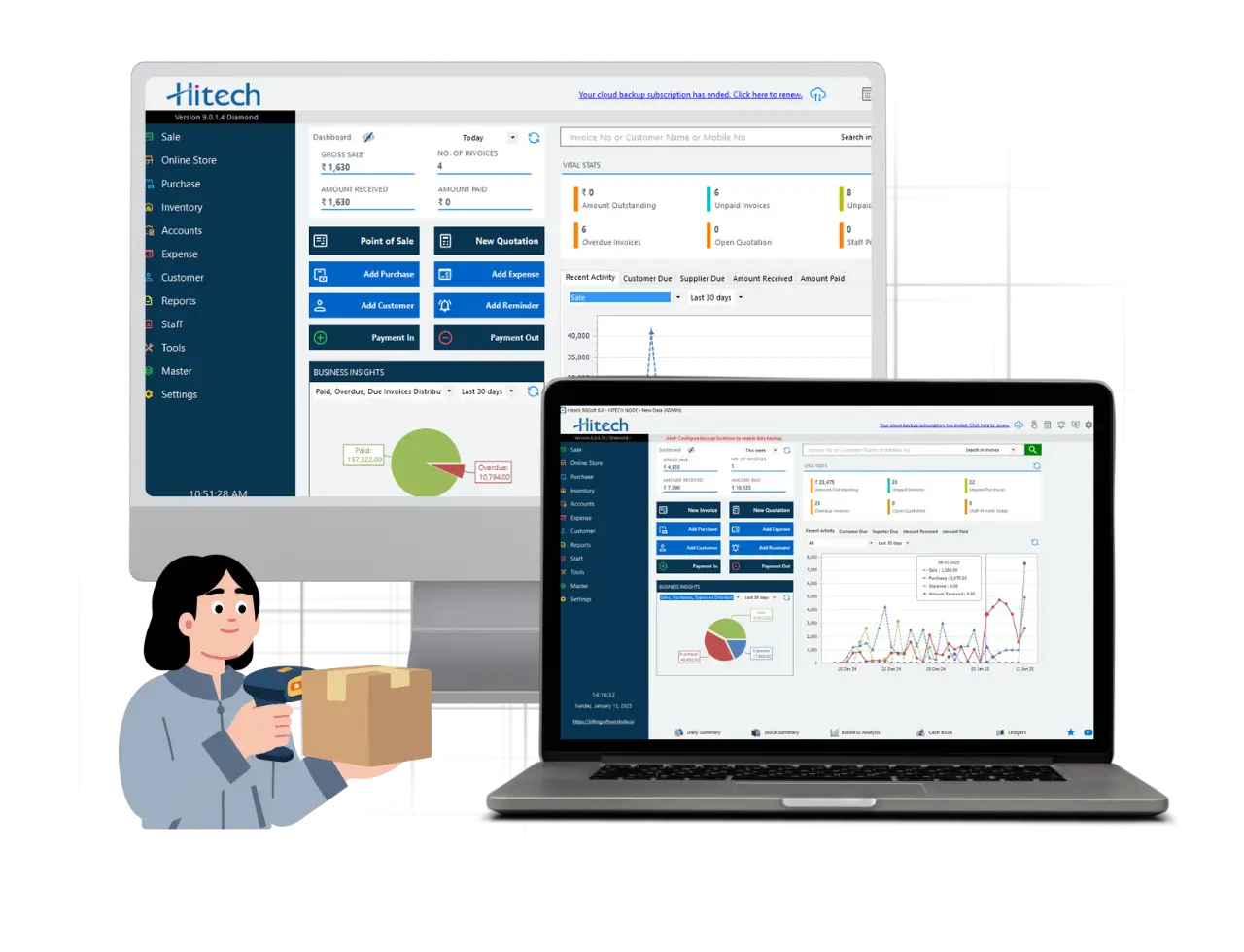
Join Millions of Business Owners already saving time and
money with Hitech Billsoft.